What is Image Hover Effects Ultimate?
Image Hover Effects Ultimate is a powerful WordPress plugin that lets you add stunning, interactive hover animations to any image on your website, without writing a single line of code. Whether you want a smooth color overlay when someone hovers over a photo, a dramatic 3D flip effect, or a before-and-after comparison slider, this plugin has you covered.
What Can You Do With It?
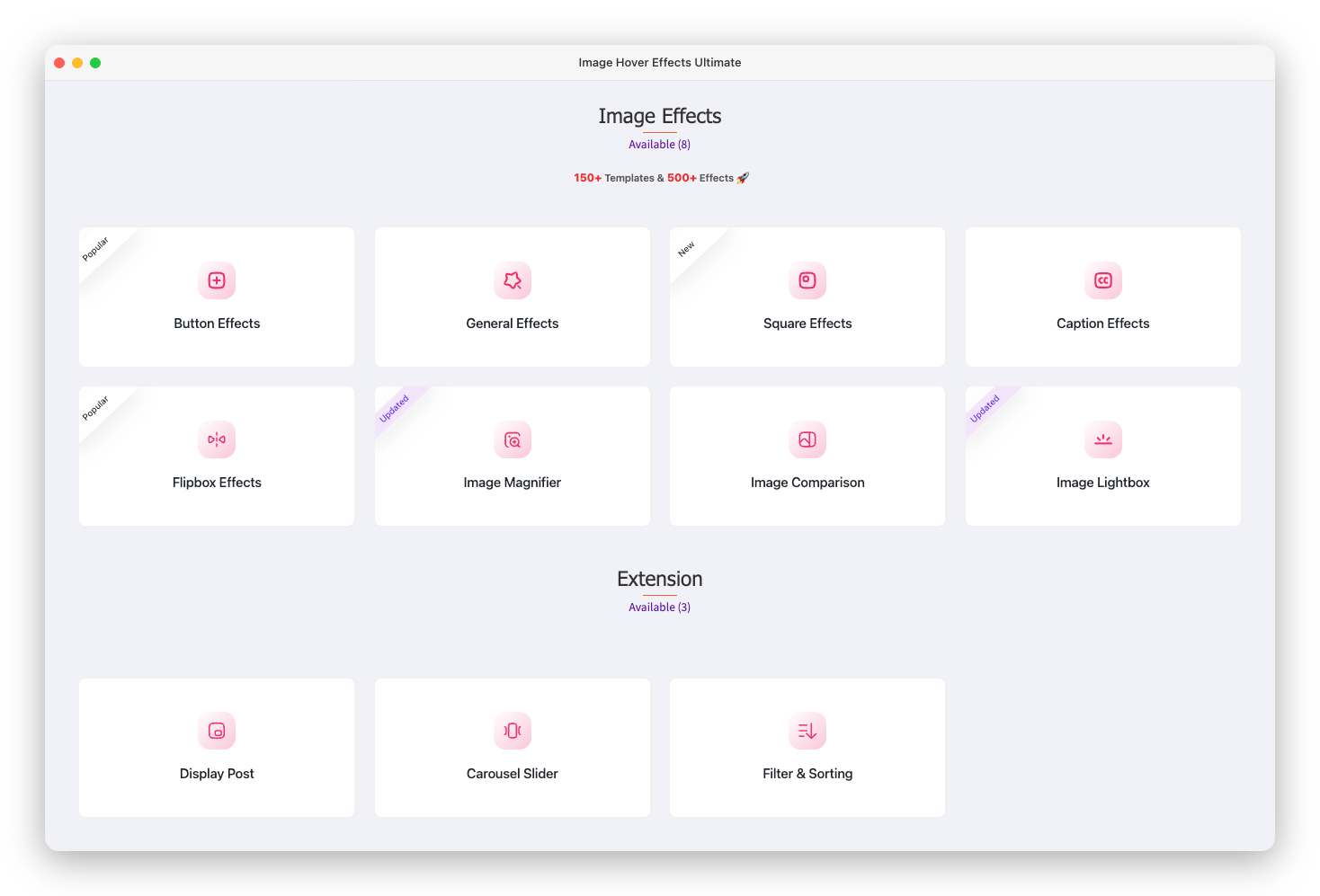
At its core, Image Hover Effects Ultimate transforms plain, static images into engaging, interactive experiences. Here’s what you can create:
- Image galleries with hover animations and captions
- Lightbox popups that open full-screen when clicked
- Flip box effects showing different content on the back
- Before & after sliders to compare two images side by side
- Image magnifiers that zoom in on hover
- Filtered galleries with sorting by category
- Image carousels with smooth sliding animations
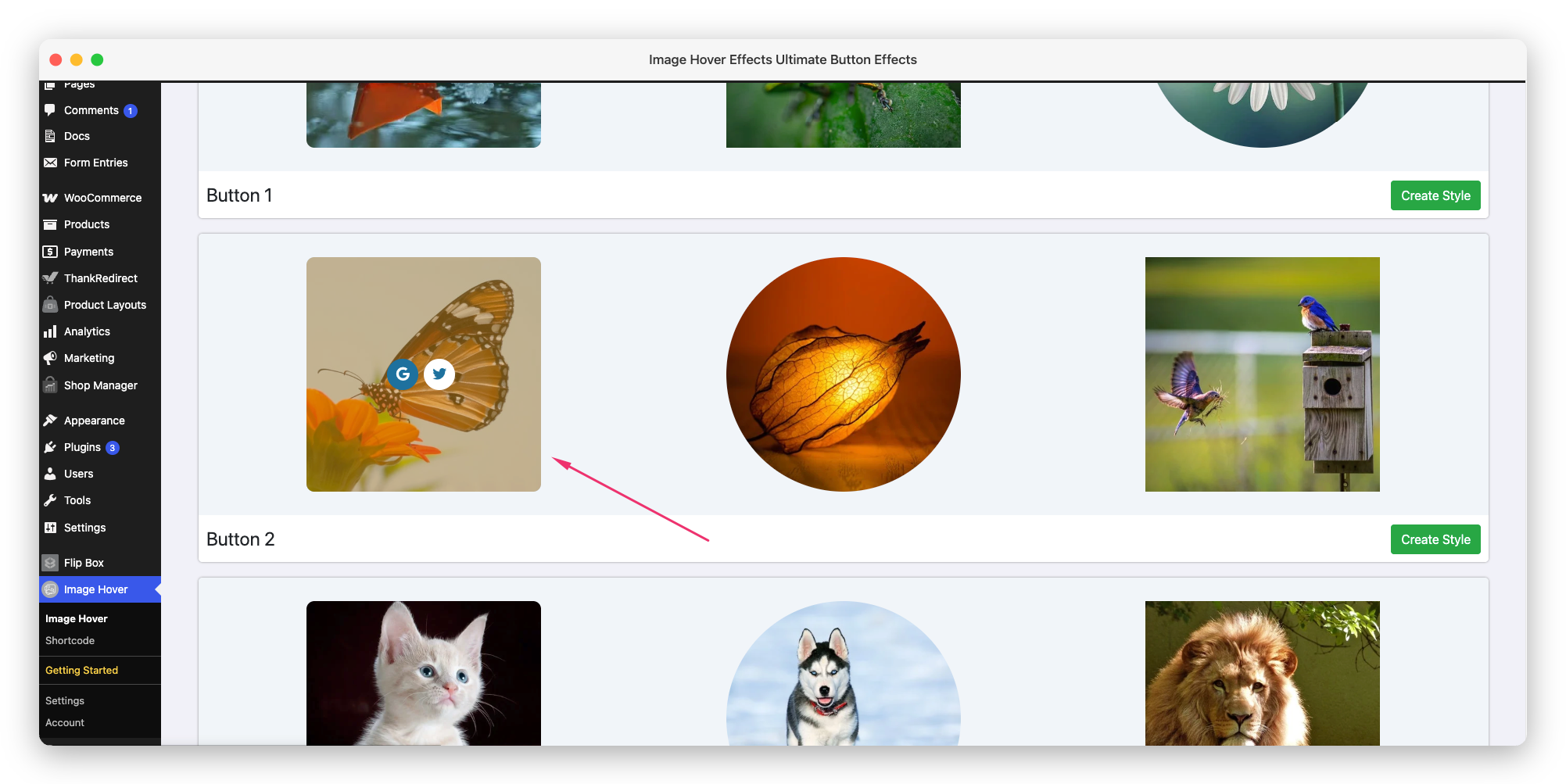
- Button overlays with custom icons and links
Who Is This Plugin For?
Image Hover Effects Ultimate is designed for everyone, from complete beginners to experienced WordPress developers. It’s a great fit if you are:
- A photographer or creative professional wanting a beautiful portfolio
- An eCommerce store owner looking to make product images more engaging
- A blogger or content creator who wants eye-catching visuals
- A web designer or developer building sites for clients
- A business owner who wants a more polished, professional website
How Does It Work?
The plugin uses a simple 3-step workflow:
- Create a style: Pick an effect type, choose a layout, and customize it in the visual admin panel.
- Add your images: Upload photos and add titles, descriptions, or links.
- Embed with a shortcode: Copy the generated shortcode and paste it anywhere on your site.
No coding, no complex setup. The entire process takes just a few minutes.
Works With Your Favourite Page Builder
You are never locked into one way of adding effects. Alongside the classic shortcode, Image Hover Effects Ultimate ships with native widgets and blocks for the most popular editors, so you can add a hover effect visually without touching any code. Pick the guide that matches the editor you already use:
- Native Gutenberg block – add it straight from the block editor
- WordPress widget in Gutenberg – drop it into any widget area
- Elementor widget – drag it onto your Elementor layout
- WPBakery / Visual Composer element – insert it from the WPBakery builder
Every method gives you the exact same polished result on the front end, so you can stick with whatever editor feels most comfortable.
Key Features at a Glance
- ✅ 500+ hover effects across 11 effect categories
- ✅ 70+ CSS animations (fade, slide, bounce, zoom, rotate, and more)
- ✅ 650+ Google Fonts for text customization
- ✅ Font Awesome icons for button overlays
- ✅ Fully responsive: works on mobile, tablet, and desktop
- ✅ Touch device support: optimized for smartphones
- ✅ Page builder compatible: works with Elementor, WPBakery, and Gutenberg
- ✅ Lightweight: only loads assets when the shortcode is used
- ✅ SEO-friendly: clean HTML output
- ✅ No coding required
Free vs Pro
The plugin is available in both a free and a paid Pro version. The free version includes a solid set of effects and layouts to get you started. The Pro version unlocks the full library of 500+ effects, advanced customization options, Google Fonts, dynamic content, carousel features, and priority support.
See our Free vs Pro: What’s the Difference? doc for a full comparison.
What Makes It Different?
Unlike basic image plugins, Image Hover Effects Ultimate gives you fine-grained control over every visual detail: colors, fonts, animations, spacing, shadows, and more, all from a user-friendly admin panel. The live preview lets you see your changes instantly before publishing.
It’s also built with performance and security in mind. Assets load only when needed, queries are protected against SQL injection, and all input is properly sanitized.
Ready to Get Started?
Head over to our Installation & Activation guide to install the plugin and create your first hover effect in minutes.